 ailia Tech BLOG
Introduction to axgl

axgl is a software layer built on top of iOS Metal that emulates OpenGL ES. It enables existing applications created using OpenGL ES to run on Metal.
Overview
This OpenGL ES 2.0/3.0 emulation layer is built on top of the Metal API.
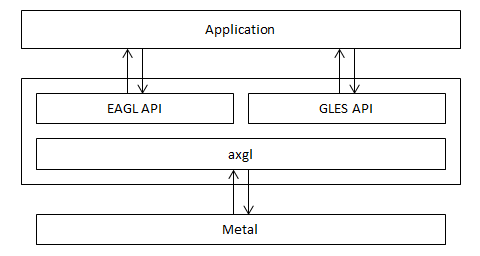
With axgl, OpenGL ES graphics resources (buffer objects, textures, etc.) are created and converted into Metal objects (MTLBuffer, MTLTexture, etc.)
GLSL shaders are converted to MSL shaders using glslang and SPIRV-Cross, and a MTLLibrary is maintained inside axgl.
GLES drawing API calls are created/executed as Metal commands.
What can be done with axgl
The purpose of this project is to enable existing applications created using OpenGL ES to run on Metal by simply rebuilding them.
As of June 2023, OpenGL ES is deprecated on iOS, but applications developed with OpenGL ES using axgl can still run.
Getting started
axgl is available at the GitHub link below.
Usage
You can include the source code of axgl in your application or simply link with it as a library. The GitHub repository contains a sample code as well.
AXGLExample: Sample which includes the axgl source code
Use XCode to open and build the project /AXGLExample/AXGLExample.xcodeproj
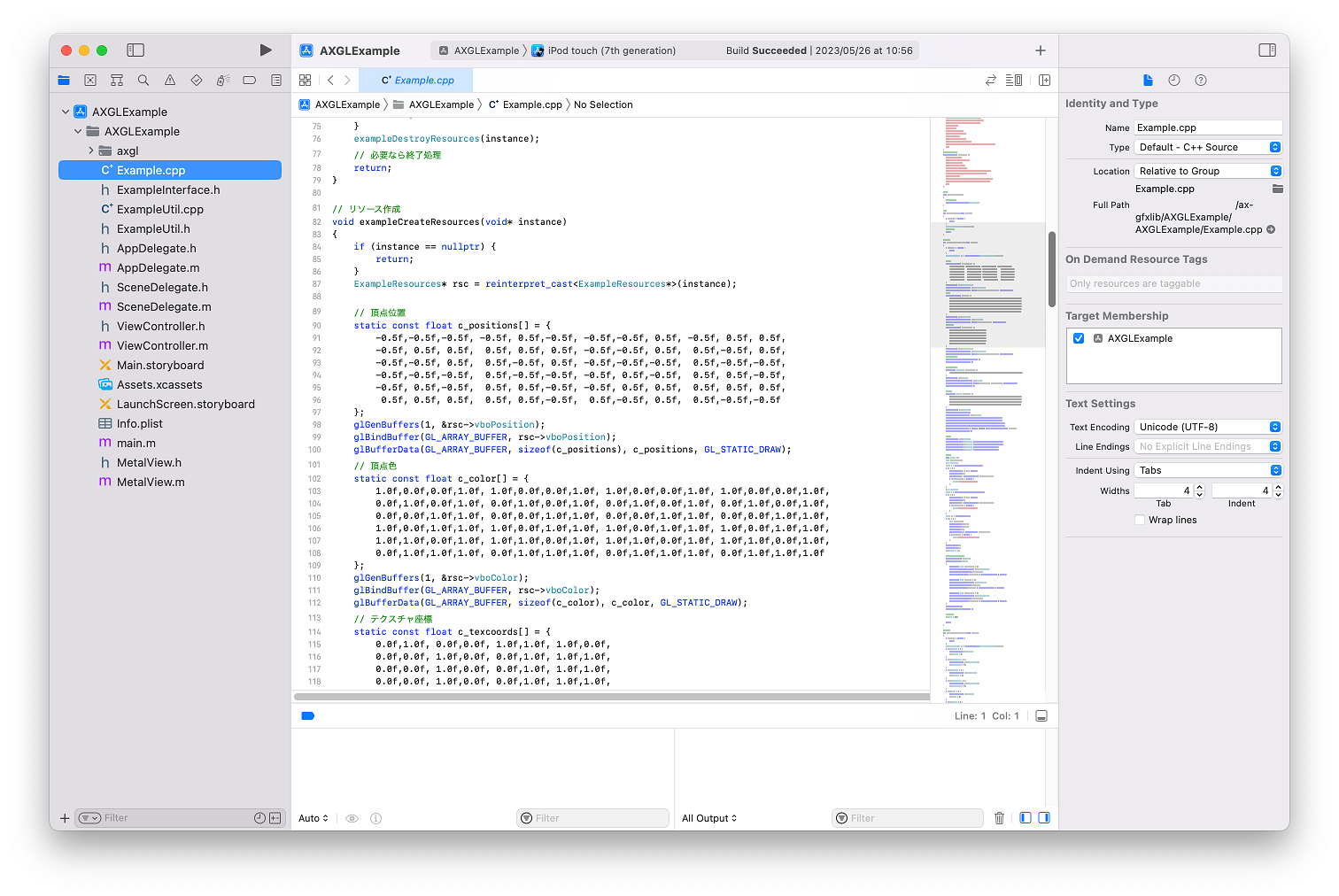
AXGLExample opened in XCode
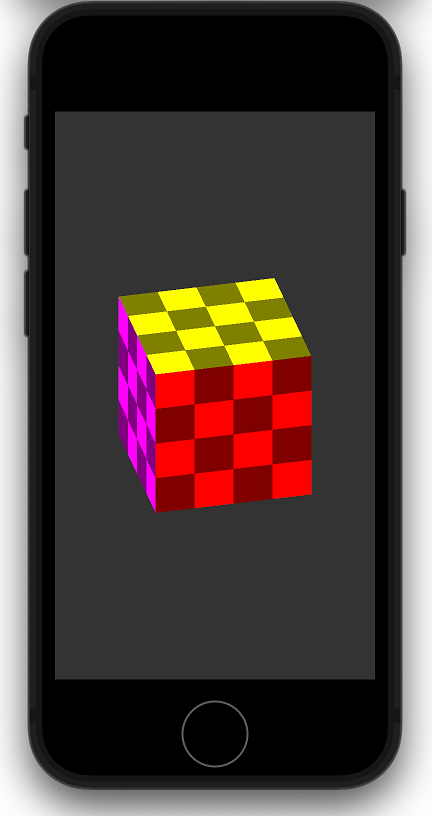
サンプルをシミュレータで実行
AXGLExampleSL : Sample using axgl as a library
Use XCode to open and build the project /AXGLExampleSL/AXGLExampleSL.xcodeproj
Both samples render the same thing.
The XCode project for the axgl library exists in the folder /axgl/build/xcode/axgl.xcodeproj
Changes in the application
The migration can be done with minimal source code changes. The MetalView class included in the AXGLExample and AXGLExampleSL sample code is the corresponding implementation.
・Update of headers
Application headers needs to be updated as follows. To avoid conflicts with Apple’s EAGL.h, include declarations should be made before Apple’s headers.
#include <axgl/EAGL.h>
#include <axgl/EAGLDrawable.h>
#include <axgl/ES3/gl.h>
・Update of layerClass
Replaces the layerClass that uses CAEAGLLLayer with CAMetalLayer since it uses Metal as its graphics API.
Change the layerClass method of a class inheriting from UIView to return CAMetalLayer
+ (id)layerClass
{
 return [CAMetalLayer class];
}
・Update of render buffer storage
The onscreen render buffer is created from a CAMetalLayer.
The render buffer storage is specified by calling EAGLContext::renderbufferStorageFromLayer
// GLuint _colorRenderbuffer; // レンダーバッファオブジェクト
 // EAGLContext* _context;     // コンテキスト
 // CAMetalLayer* _metalLayer; // Metalのコアアニメーションレイヤー
 glGenRenderbuffers(1, &_colorRenderbuffer);
 glBindRenderbuffer(GL_RENDERBUFFER, _colorRenderbuffer);
 [_context renderbufferStorageFromLayer:GL_RENDERBUFFER fromLayer:_metalLayer];
Conclusion
With axgl, you can easily make your existing OpenGL ES applications work with Metal.
Commercial License
axgl exists in AGPL as well as commercial license. For a commercial license, please contact ailia Inc.
ailia Inc. has developed ailia SDK, which enables cross-platform, GPU-based rapid inference.
ailia Inc. provides a wide range of services from consulting and model creation, to the development of AI-based applications and SDKs. Feel free to contact us for any inquiry.