 ailia Tech BLOG
FaceMeshV2 : Detecting Key Points on Faces in Real Time with Blendshapes
This is an introduction to「FaceMeshV2」, a machine learning model that can be used with ailia SDK. You can easily use this model to create AI applications using ailia SDK as well as many other ready-to-use ailia MODELS.
Overview
FaceMeshV2 is a model developed by Google to detect key points from facial images. It was introduced in MediaPipe v0.9.2.1, released on March 24 2023. FaceMeshV2 computes facial keypoints with higher precision than with the previous FaceMeshV1 and also include the support of blendshapes
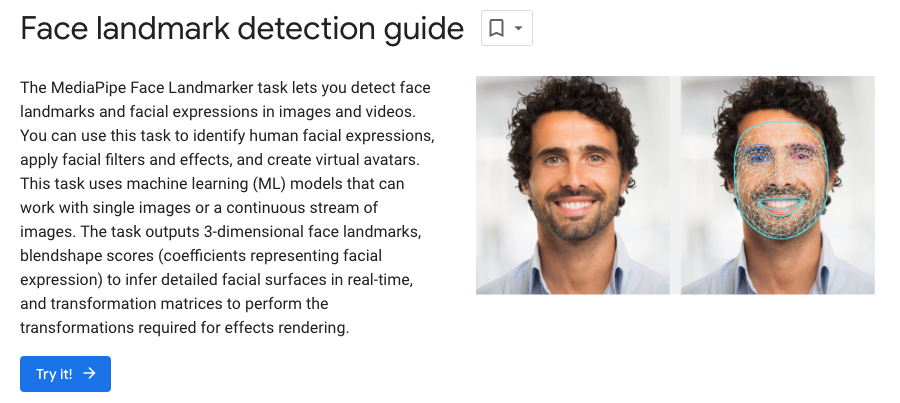
Source: https://developers.google.com/mediapipe/solutions/vision/face_landmarker
Output Examples
The input resolution has been expanded to make facial keypoints more accurate than before, and keypoints for the iris of the eyes have been added. In addition, blendshape parameters such as blinking and open mouth can now be computed.
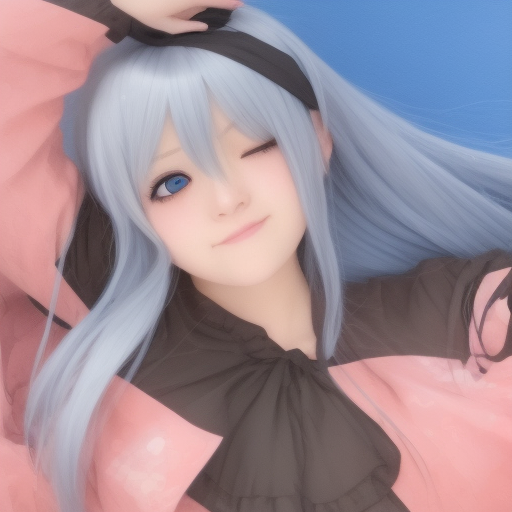
Input image
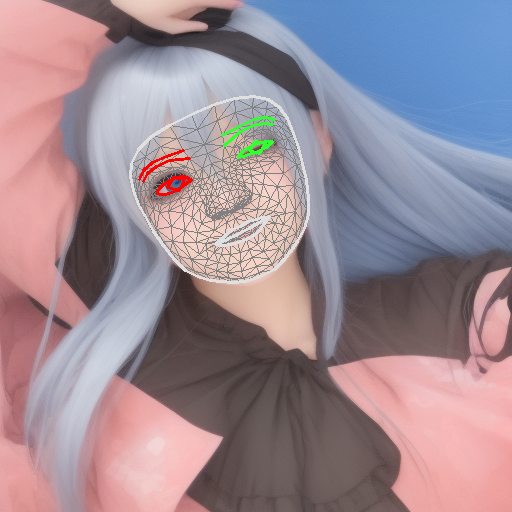
Output image
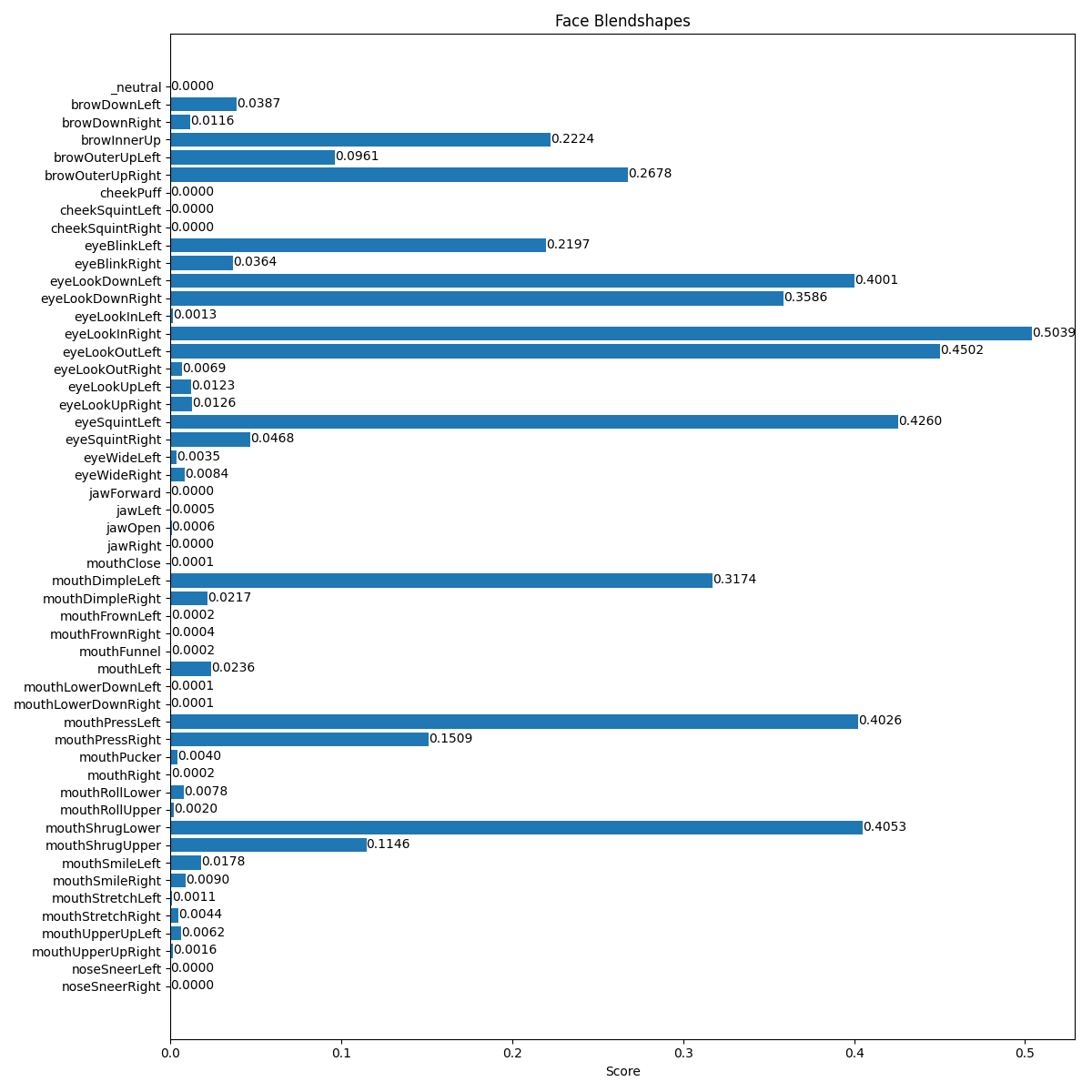
Output of blendshape coefficients
Architecture
FaceMeshV1requires a 192x192x3 image input, while FaceMeshV2 requires a 256x256x3 image input. The number of key points increased from 468 in FaceMeshV1 to 478 in FaceMeshV2 with the addition of LEFT_IRIS and RIGHT_IRIS.
The output format of FaceMeshV2 is the same as FaceMeshV1, with (x,y,z) output for each keypoint.
Blendshapes Support
The following 52 blendshapes can be detected, each of which has a 0–1 probability value.
public static string [] BlendshapeLabels = {
   "_neutral",
   "browDownLeft",
   "browDownRight",
   "browInnerUp",
   "browOuterUpLeft",
   "browOuterUpRight",
   "cheekPuff",
   "cheekSquintLeft",
   "cheekSquintRight",
   "eyeBlinkLeft",
   "eyeBlinkRight",
   "eyeLookDownLeft",
   "eyeLookDownRight",
   "eyeLookInLeft",
   "eyeLookInRight",
   "eyeLookOutLeft",
   "eyeLookOutRight",
   "eyeLookUpLeft",
   "eyeLookUpRight",
   "eyeSquintLeft",
   "eyeSquintRight",
   "eyeWideLeft",
   "eyeWideRight",
   "jawForward",
   "jawLeft",
   "jawOpen",
   "jawRight",
   "mouthClose",
   "mouthDimpleLeft",
   "mouthDimpleRight",
   "mouthFrownLeft",
   "mouthFrownRight",
   "mouthFunnel",
   "mouthLeft",
   "mouthLowerDownLeft",
   "mouthLowerDownRight",
   "mouthPressLeft",
   "mouthPressRight",
   "mouthPucker",
   "mouthRight",
   "mouthRollLower",
   "mouthRollUpper",
   "mouthShrugLower",
   "mouthShrugUpper",
   "mouthSmileLeft",
   "mouthSmileRight",
   "mouthStretchLeft",
   "mouthStretchRight",
   "mouthUpperUpLeft",
   "mouthUpperUpRight",
   "noseSneerLeft",
   "noseSneerRight"
  };
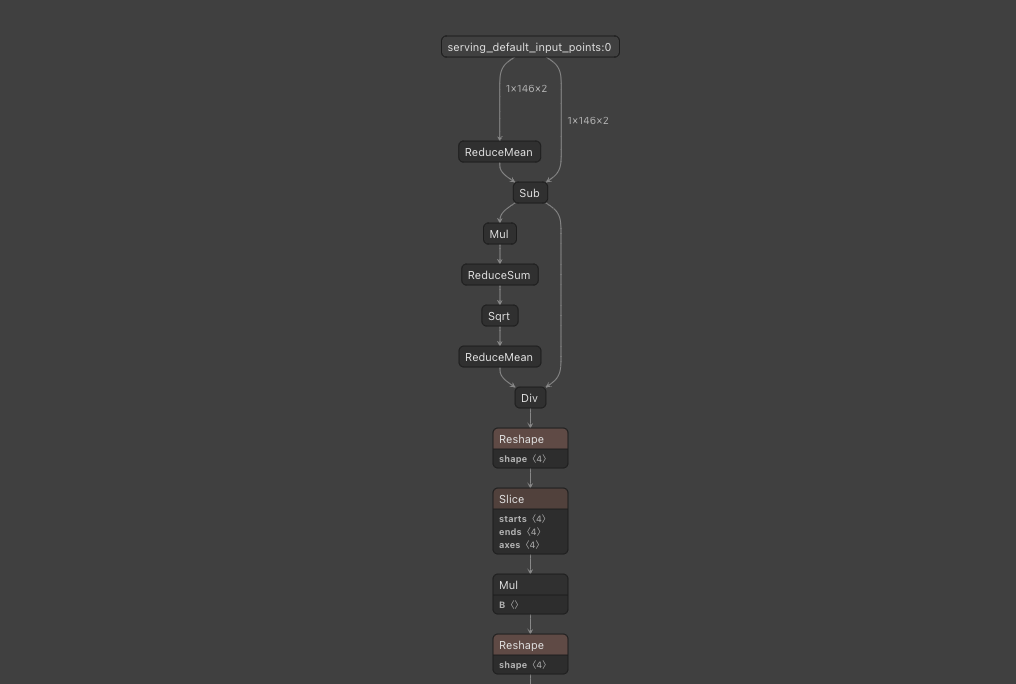
Blendshape’s model first includes mean-reduction and normalization. The conversion from pixel coordinates to internal coordinates is done so that inputting rasterized pixels after rasterization works without problems.
Usage in MediaPipe
To use FaceMeshV2 from MediaPipe, use the following Colab.
After downloading face_landmarker_v2_with_blendshapes.task, give face_landmarker_v2_with_blendshapes.task as base_option and set output_face_ blendshapes=True to also output blendshape data.
Usage in ailia SDK
FaceMeshV2 can be used withailia SDK with the following command.
$ python3 facemesh_v2.py --input input.jpg
To also compute blendshape coefficients, add the — blendshape option.
$ python3 facemesh_v2.py --input input.jpg --blendshape
Usage in Unity
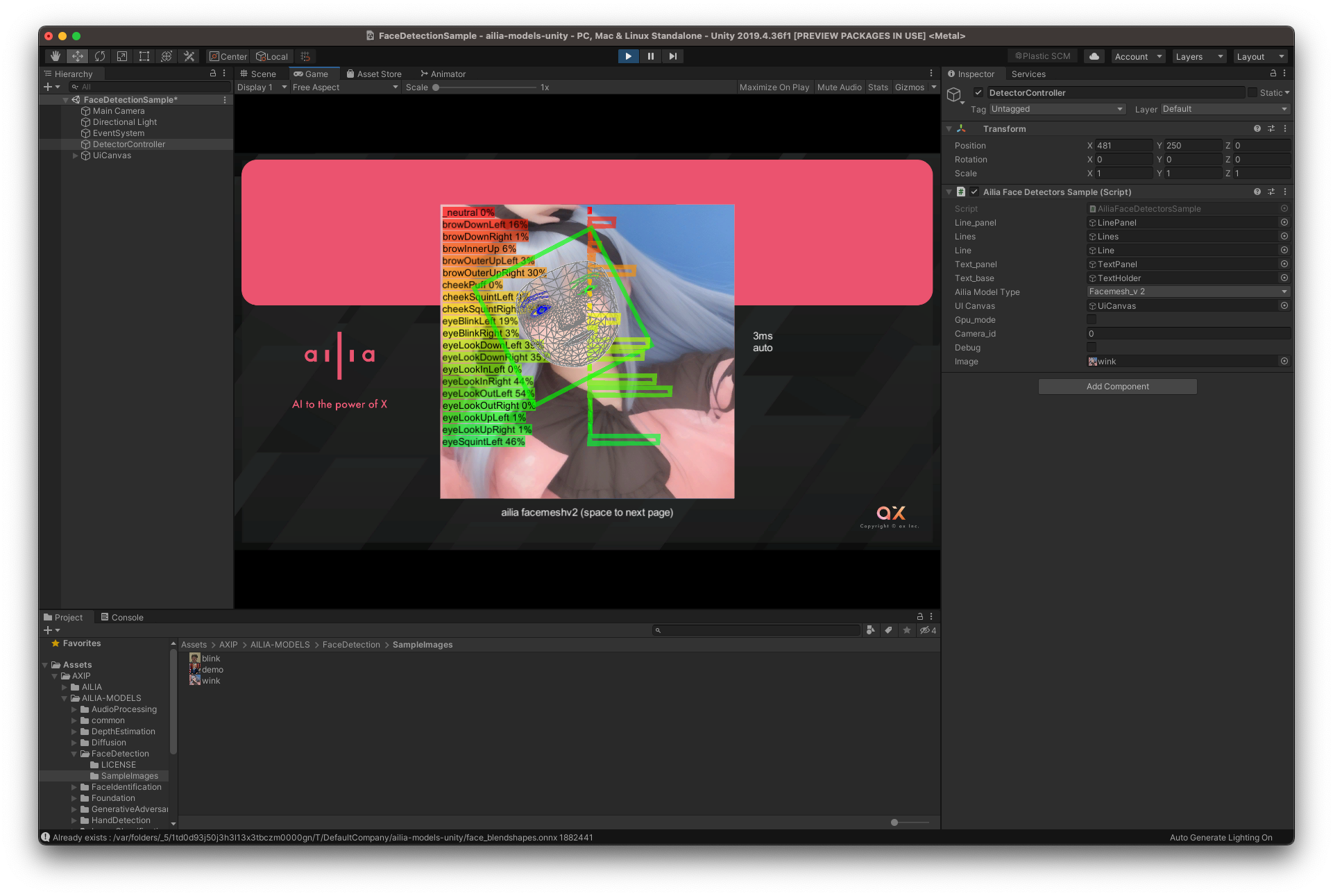
FaceMeshV2 can also be used withailia SDK within Unity.
ailia Inc. has developed ailia SDK, which enables cross-platform, GPU-based rapid inference.
ailia Inc. provides a wide range of services from consulting and model creation, to the development of AI-based applications and SDKs. Feel free to contact us for any inquiry.