 ailia Tech BLOG
ailia SDK Tutorial (C#)
This article explains how to use ailia SDK from Visual Studio and C#, making it possible to easily incorporate AI features into applications developed in C#.
Download Project Files
Samples using ailia SDK from Visual Studio and C# are available on github below.
https://github.com/ailia-ai/ailia-csharp
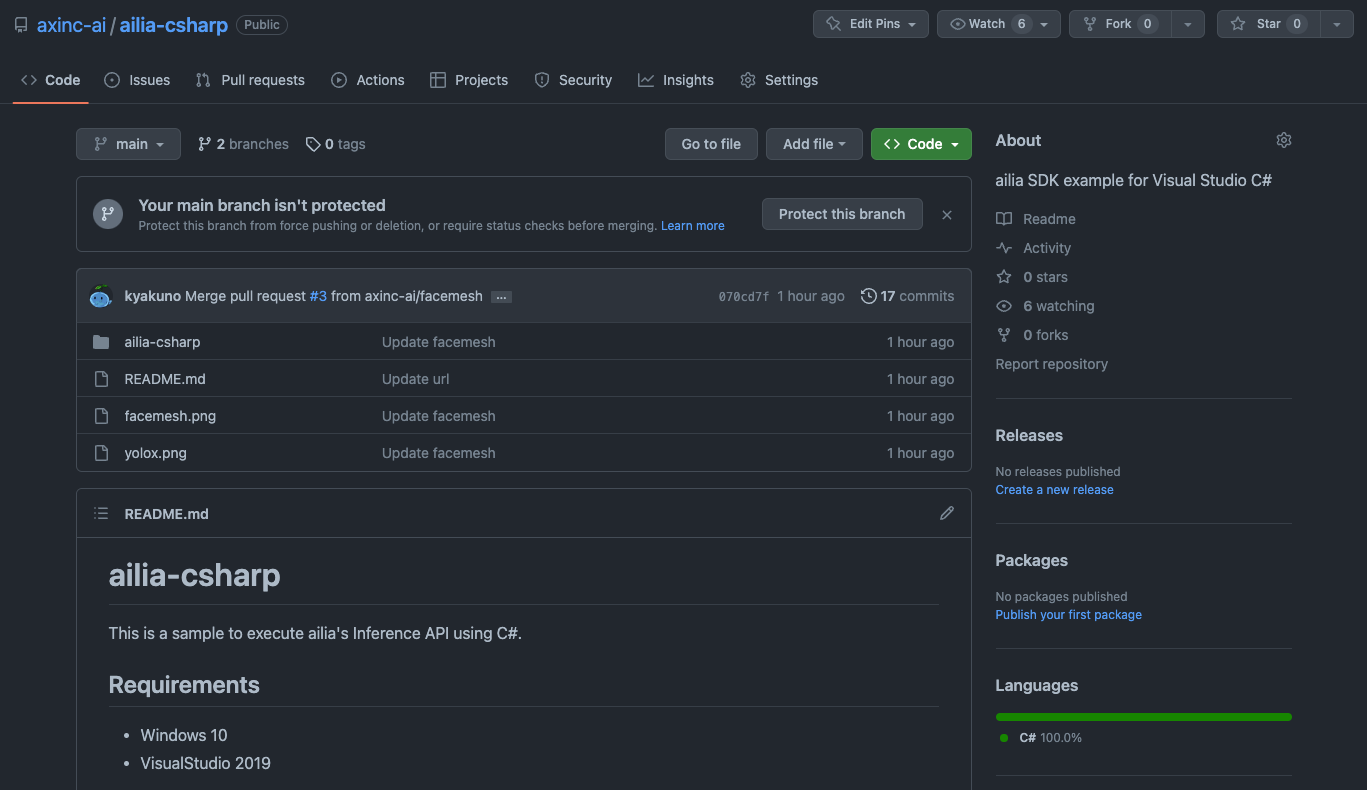
ailia-csharp repository
Download ailia SDK
The DLLs needed for running C# samples can be found in the ailia SDK that you can download from the link below.
Build Project
Open the projectailia-csharp.sln, change the Active Platform from Any CPU to x64 and build.
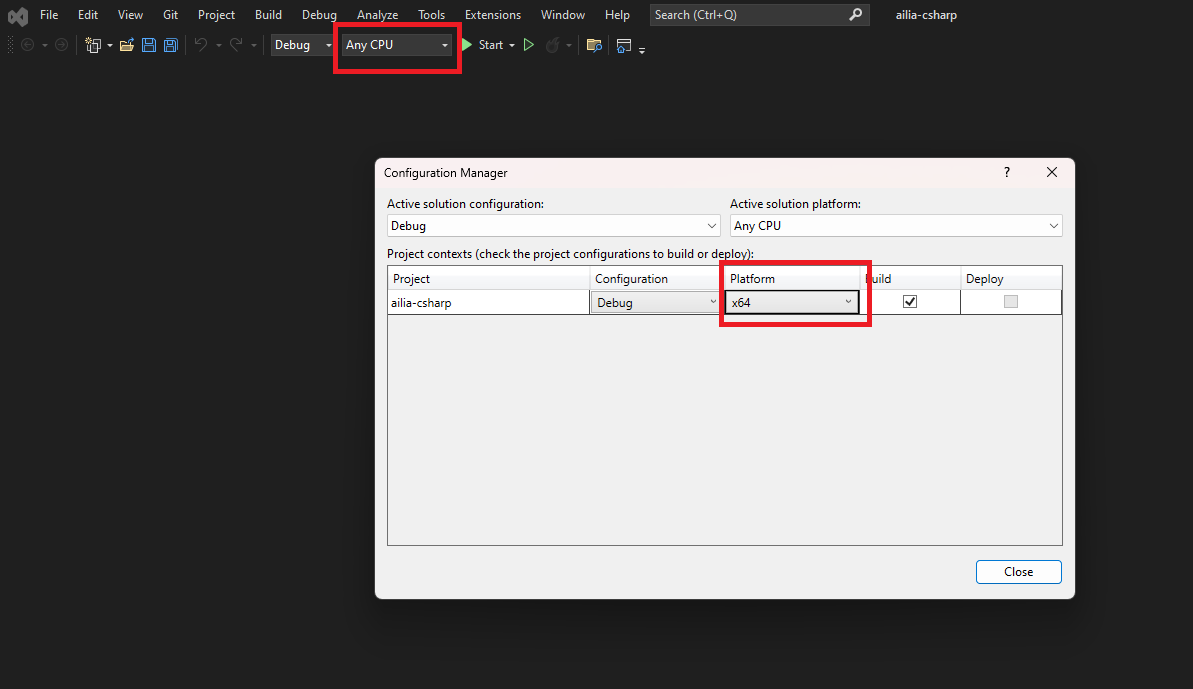
Visual Studio platform settings
Copy ailia.dll included in ailia SDK to /ailia-csharp/ailia-csharp/bin/x64/Debug.For trial versions of ailia SDK, you also need to copy the license file in the same folder.
Run Samples
The sample shows CPU inference of the object detection model YOLOX and the face detection FaceMesh.
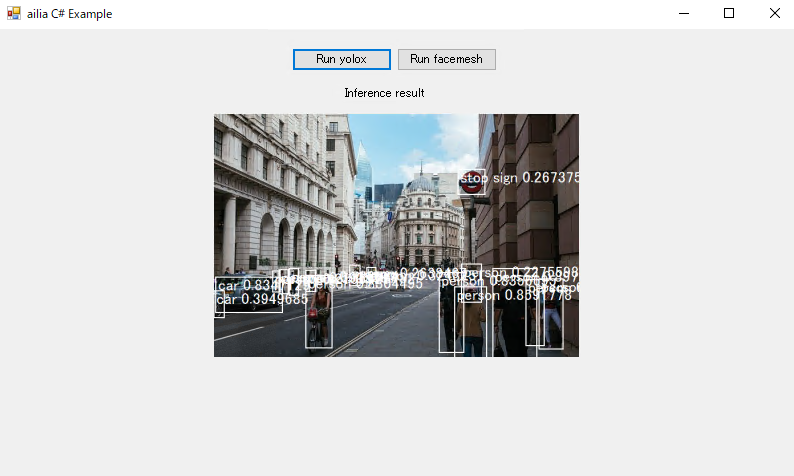
YOLOX sample
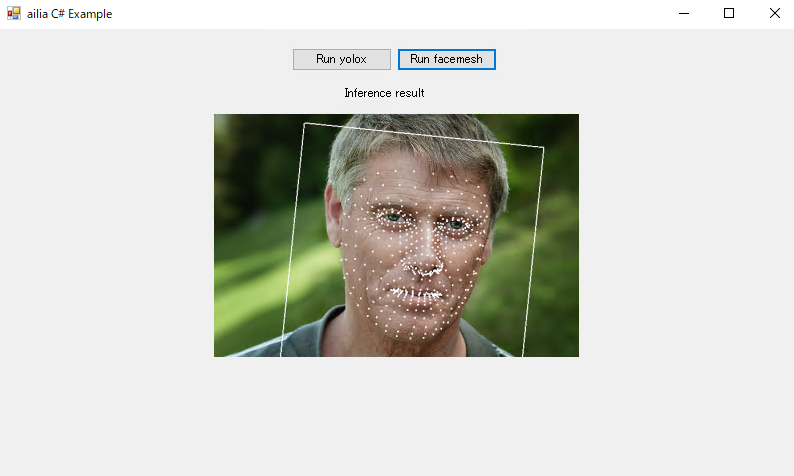
FaceMesh sample
To perform inference on the GPU, copy not only ailia.dll but also ailia_vulkan.dll and set the gpu_mode variable in AiliaYoloxSample.cs and AiliaFaceMeshSample.cs to true.
Difference between C# for Unity and C# for Visual Studio
API
The C# LowLevel API and Model Class provided for Unity in the Alia SDK can be used in Visual Studio without modification.
ailia: ailia Unity Plugin Documentailia-ai.github.io
C# Interfaces
The interface definition files for Unity included in the ailia SDK without modification in Visual Studio C# projects. You can find those in the sample project below.
Compatilibity with Unity-specific Types
ailia’s interface definition for Unity uses the UnityEngine namespace and some non-standard C# functions such as Debug, Color32, Vector2, and Mathf. The file AiliaMigrattion.cs is provided to define these functions.
Order of Images
Unity handles images in B2T (Bottom To Top) but the C# Bitmap class uses T2B (Top to Bottom), so it must be flipped upside down to be handled in the ailia SDK sample for Unity.
About ailia MODELS Unity
Since the code in ailia MODELS Unity depends on the Unity renderer and textures, the renderer part must be replaced with Bitmap Graphics and the textures with Bitmap. The C# sample project provided versions of YOLOX and FaceMesh with the renderer replaced with Graphics, so you can refer to the rewritten parts.
ailia Inc. has developed the ailia SDK, which enables cross-platform, GPU-based rapid inference. ailia Inc. provides a wide range of services from consulting, model creation, SDK provision of SDKs, development of AI-based applications and systems, to support Please feel free to contact us as we offer a total solution for.