 ailia Tech BLOG
AnimateDiffとStableDiffusionを使用してテキストや静止画から動画を生成する
AnimateDiffとStableDiffusionを使用してテキストや静止画から動画を生成する方法を解説します。
AnimateDiffの概要
AnimateDiffは2023年7月に公開された、静止画から動画を生成するStableDiffusionのExtenstionです。実行にはRTX3090世代以降の12GB以上のVRAMが必要です。
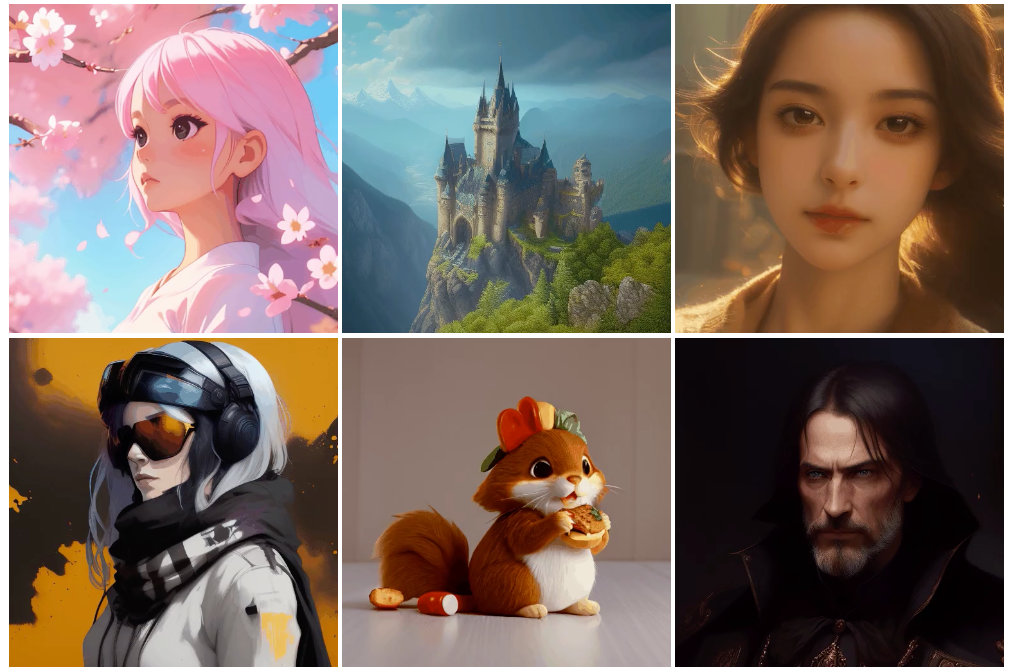
出典:https://animatediff.github.io/
AnimateDiffをStableDiffusionWebUIから使用する
RedHatへのインストール
VRAMが12GB以上必要なため、RTX A4000のVRAM 16GBのマシンにStableDiffusionWebUIをインストールします。このマシンにはRedHat Linuxが入っています。
まずはPython3.10をインストールします。
Python3.10をそのままmakeすると、OpenSSLがインストールされず、pipで「HTTPS URL because the SSL module is not available」というエラーが発生するため、OpenSSLをインストールします。
sudo dnf install openssl-devel
また、pipで「ModuleNotFoundError: No module named ‘_ctypes’」というエラーが発生するため、libffi-develをインストールします。
sudo dnf install libffi-devel
「ModuleNotFoundError: No module named ‘_bz2’」というエラーが発生するため、bzip2-develをインストールします。
sudo dnf install -y bzip2-devel
これらの依存関係のインストール後に、Python3.10をmakeしてinstallします。altinstallを指定すると、Python3の複数のバージョンを共存させることが可能です。
wget https://www.python.org/ftp/python/3.10.2/Python-3.10.2.tgz
tar -xzf Python-3.10.2.tgz
cd Python-3.10.2
./configure --enable-optimizations --with-ssl
sudo make altinstall
Python3.10のインストール後に、StableDiffusionWebUIをインストールします。
git clone https://github.com/AUTOMATIC1111/stable-diffusion-webui.git
StableDiffusionWebUIは、デフォルトだとlocal URLでlistenするため、同じPC内でしかアクセスできません。webui.shに — server-nameオプションでサーバ名を指定して、listenします。 — server-nameを指定するとExtensionをインストールできないため、 — enable-insecure-extension-accessも付与します。
./webui.sh --sever-name=xxx --enable-insecure-extension-access
webui.shのpython_cmdをpython3からpython3.10に変更します。
AnimeteDiffのインストール
AnimateDiffのExtensionのインストール手順は下記となります。
StableDiffusionWebUIに下記のExtentionをインストールします。今回は2023/7/20のバージョンをインストールしました。
AnimateDiffを実行すると、Please download models manuallyと表示されるため、sd-webui-animatediff/model/にmm_sd_v15.ckptをダウンロードして配置します。
animatediff - Google DriveEdit descriptiondrive.google.com
AnimateDiffによる動画の生成
txt2imgかimg2imgでAnimateDiffのEnableにチェックボックスを入れて動画を生成します。Sampling methodにはDDIMを指定することが推奨されています。
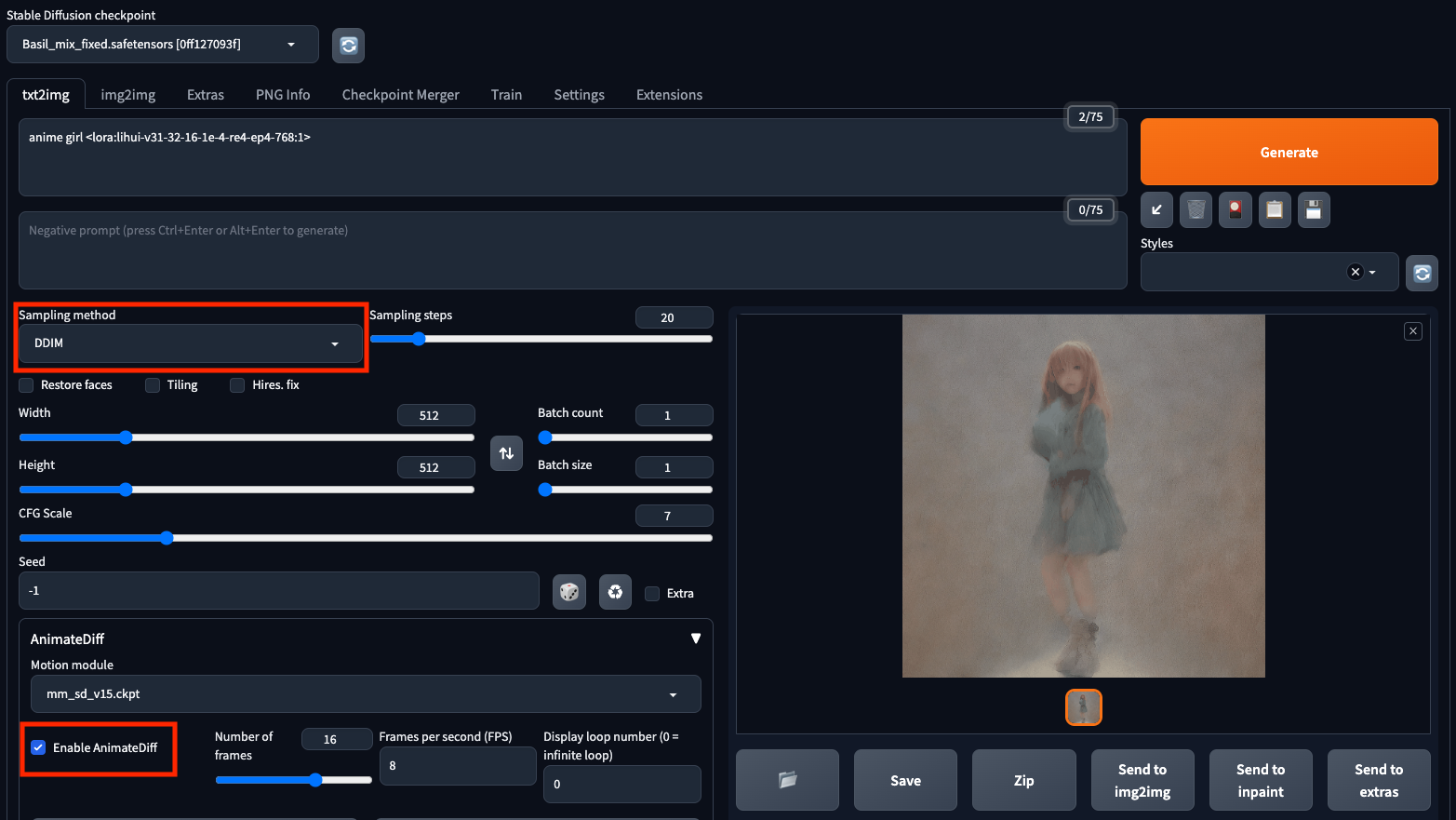
txt2img
Prompt
anime girl <lora:lihui-v31-32-16-1e-4-re4-ep4-768:1>
出力動画
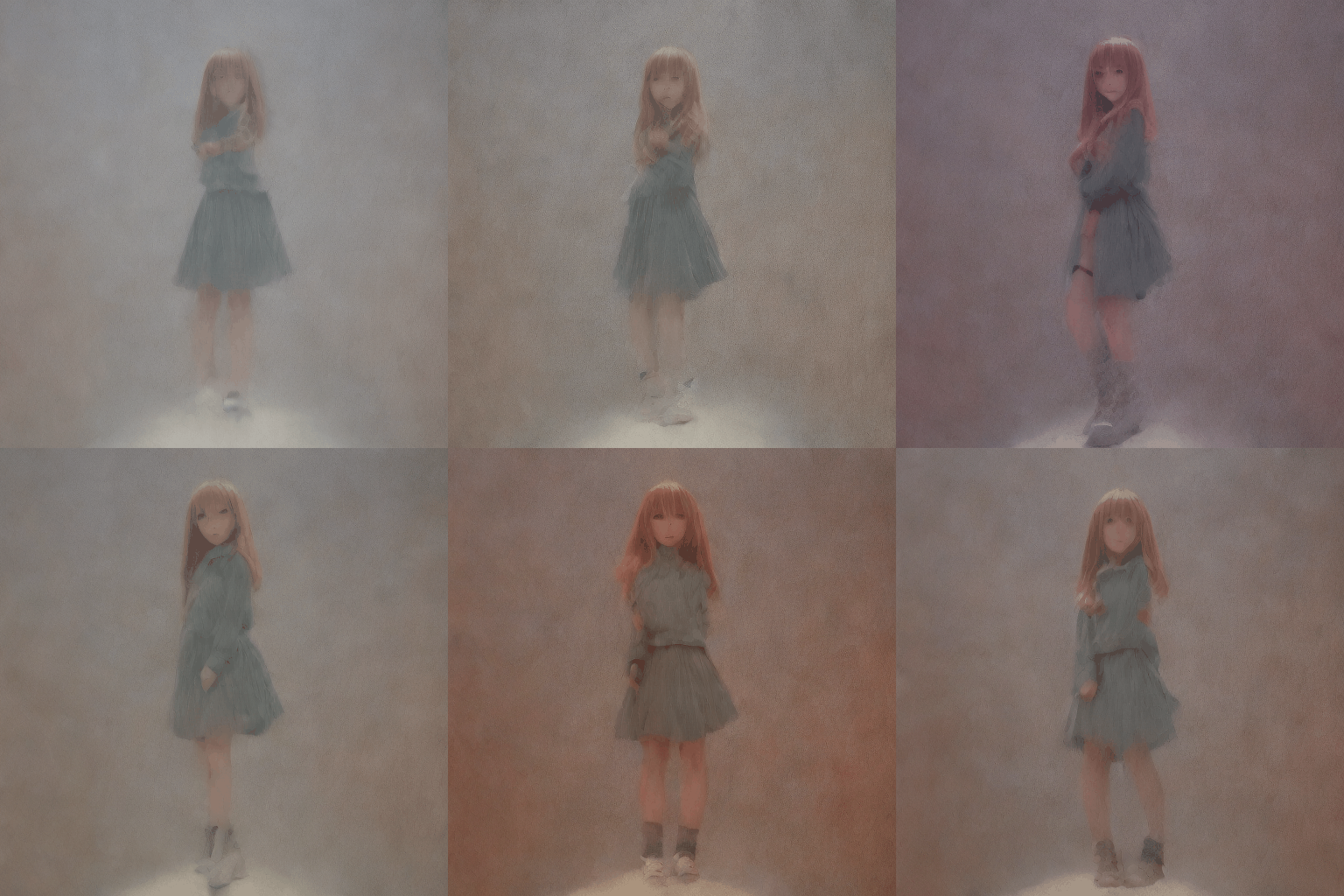
txt2img
Prompt
anime girl, on the sea, <lora:lihui-v31-32-16-1e-4-re4-ep4-768:1>
出力動画
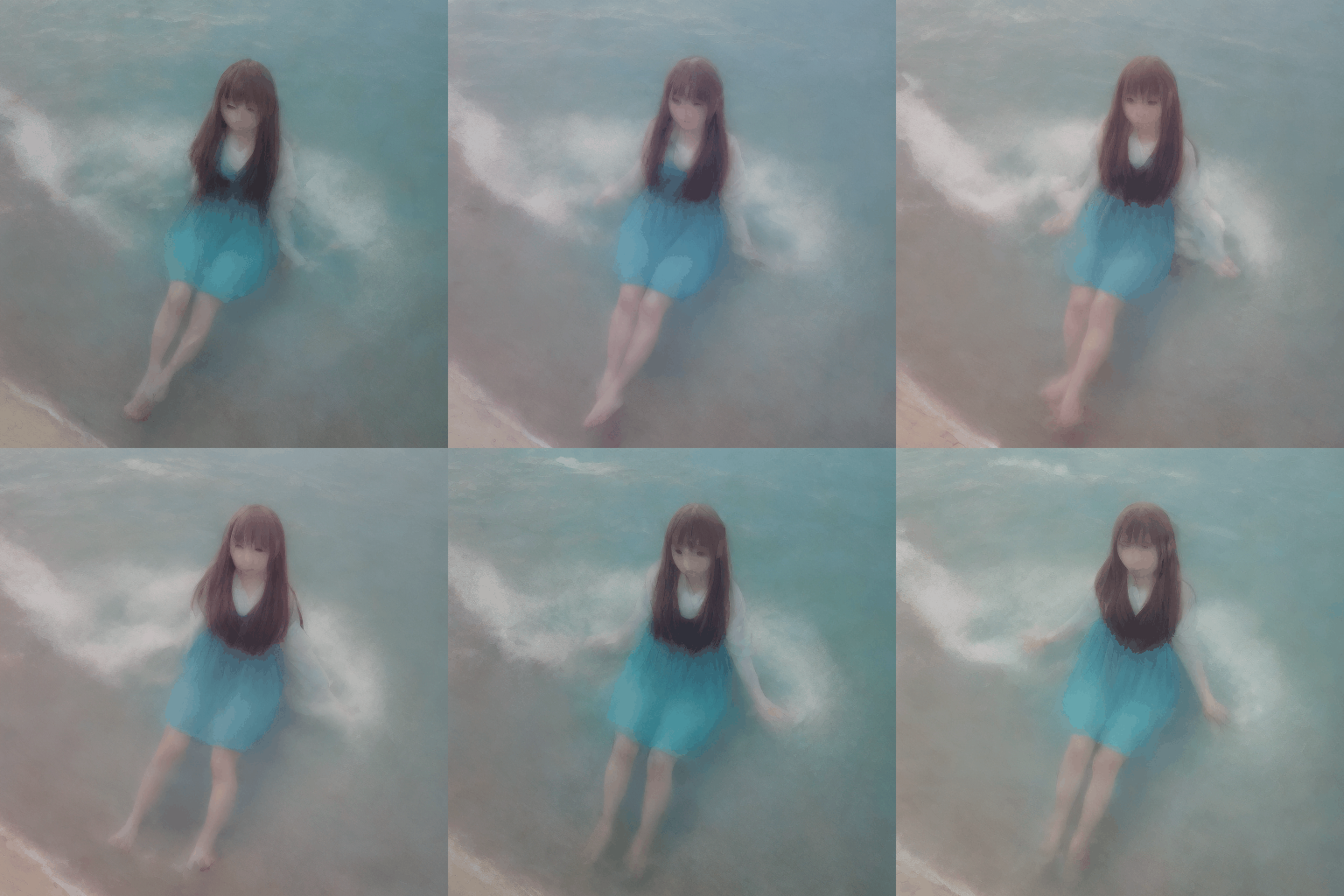
txt2img
img2img
入力画像
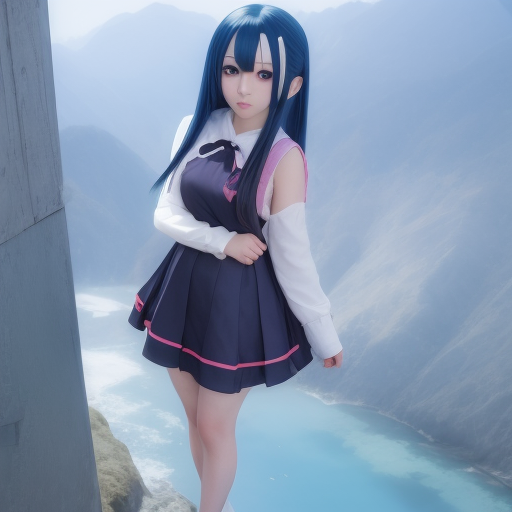
Input
Prompt
anime girl <lora:lihui-v31-32-16-1e-4-re4-ep4-768:1>
出力動画
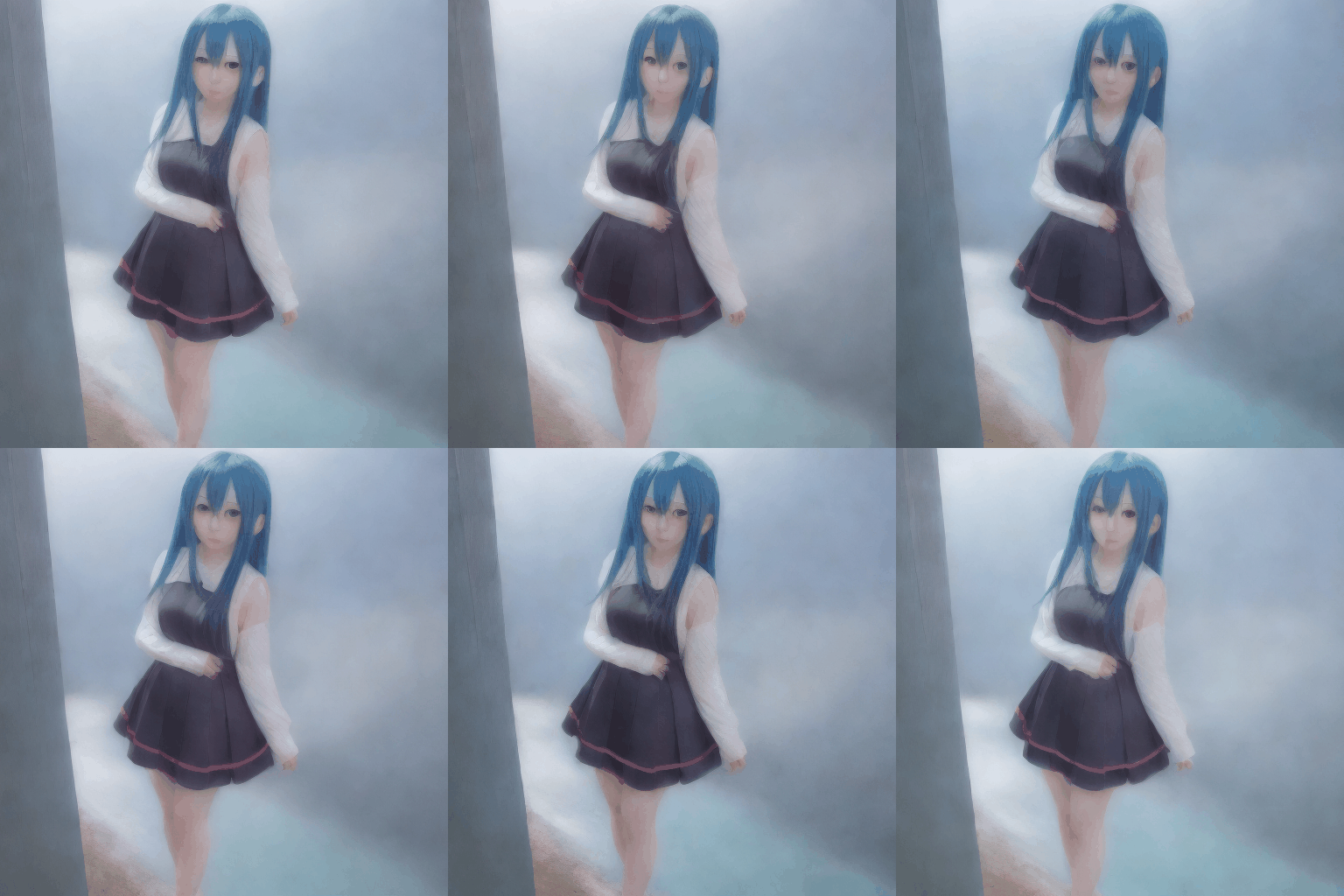
img2img
AnimateDiffをCUIから使用する
概要
AnimateDiffのWebUIはFlickerが発生しやすいという情報があったため、CUIから使用してみます。
インストール
リポジトリをcloneします。
git clone https://github.com/guoyww/animatediff/
rm -rf models/StableDiffusion/
git clone https://huggingface.co/runwayml/stable-diffusion-v1-5 models/StableDiffusion/
git lfs pullを実行します。実行しないと、推論時に「safetensors_rust.SafetensorError: Error while deserializing header: HeaderTooLarge」が発生します。
cd models/StableDiffusion/
sudo yum install git lfs
git lfs pull
モデルをダウンロードします。
wget -c https://huggingface.co/camenduru/AnimateDiff/resolve/main/mm_sd_v14.ckpt \
      -O ./models/Motion_Module/mm_sd_v14.ckpt
wget -c https://huggingface.co/camenduru/AnimateDiff/resolve/main/mm_sd_v15.ckpt \
      -O ./models/Motion_Module/mm_sd_v15.ckpt
bash download_bashscripts/1-ToonYou.sh
依存ライブラリをインストールします。
pip3.10 install diffusers[torch]==0.11.1
pip3.10 install xformers==0.0.16
推論すると「huggingface_hub.utils._validators.HFValidationError: Repo id must be in the form ‘repo_name’ or ‘namespace/repo_name’: ‘models/StableDiffusion/stable-diffusion-v1–5’. Use repo\_type argument if needed.」というエラーになるので、animate.pyのpretrained_model_pathを書き換えます。
parser.add_argument("--pretrained_model_path", type=str, default="models/StableDiffusion/",)
推論すると「TypeError: The keyword fps is no longer supported. Use duration(in ms) instead, e.g. fps=50 == duration=20 (1000 * 1/50).」というエラーが発生するため、util.pyを書き換えます。
imageio.mimsave(path, outputs, duration=1000 / fps)
tex2img
下記のコマンドで推論します。
python3.10 -m scripts.animate --config configs/prompts/1-ToonYou.yaml
推論結果です。2分程度で推論可能です。
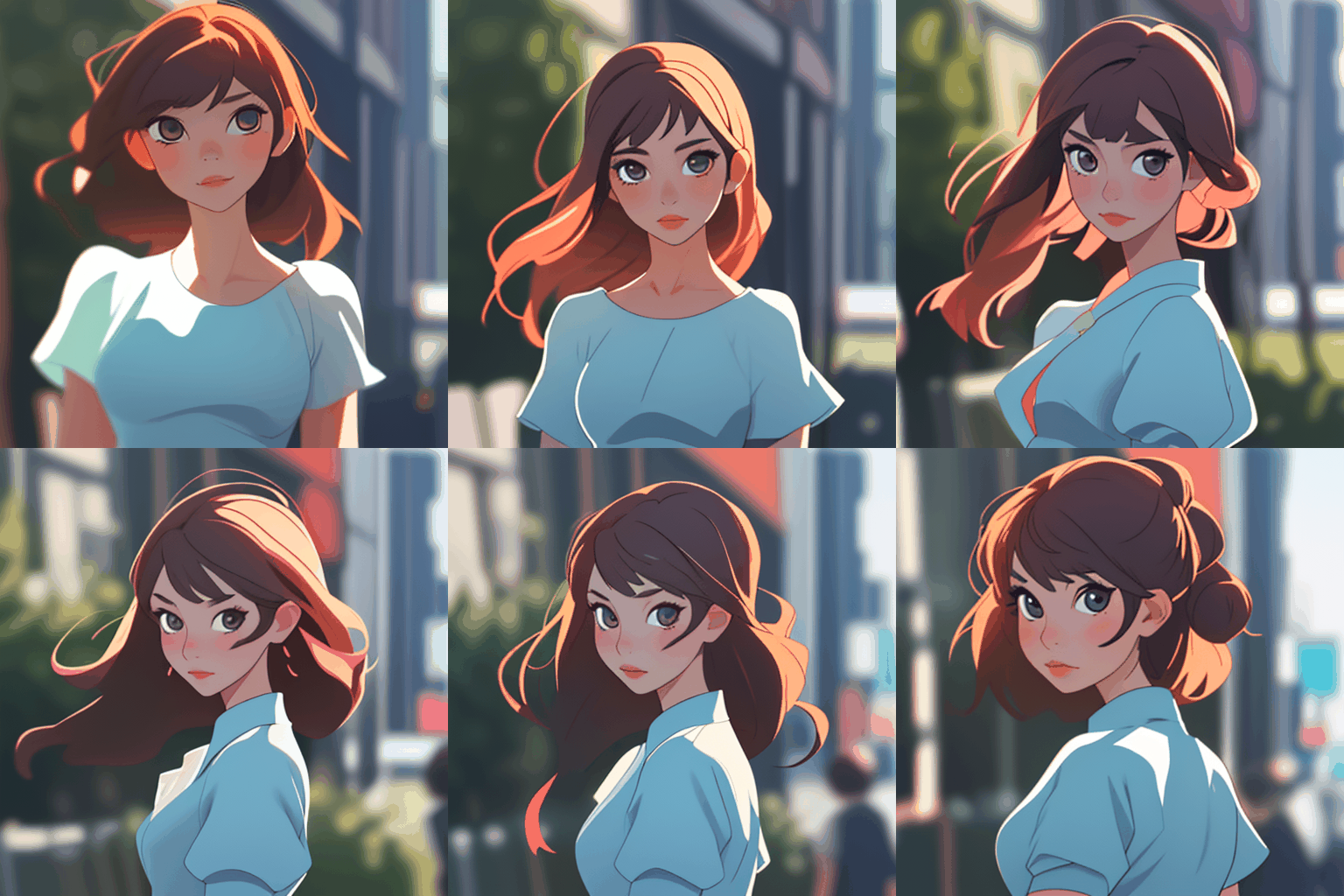
デフォルトの設定での推論
プロンプトとLoRAを変更するために、configs/promptsにax.yamlを作成します。
AnimeGirl:
  base: "models/StableDiffusion/Basil_mix_fixed.safetensors"
  path: "models/DreamBooth_LoRA/gachaSplashLORA_gachaSplash31.safetensors"
  motion_module:
    - "models/Motion_Module/mm_sd_v14.ckpt"
    - "models/Motion_Module/mm_sd_v15.ckpt"

  seed:           [-1]
  steps:          25
  guidance_scale: 7
  lora_alpha: 1

  prompt:
    - "anime girl"

  n_prompt:
    - ""
また、必要に応じてanimate.pyのVAEを置き換えます。
#vae          = AutoencoderKL.from_pretrained(args.pretrained_model_path, subfolder="vae")
vae          = AutoencoderKL.from_pretrained("stabilityai/sd-vae-ft-ema")
推論します。
python3.10 -m scripts.animate --config configs/prompts/ax.yaml
推論結果です。Flickerは消えて、Blurも抑制されました。
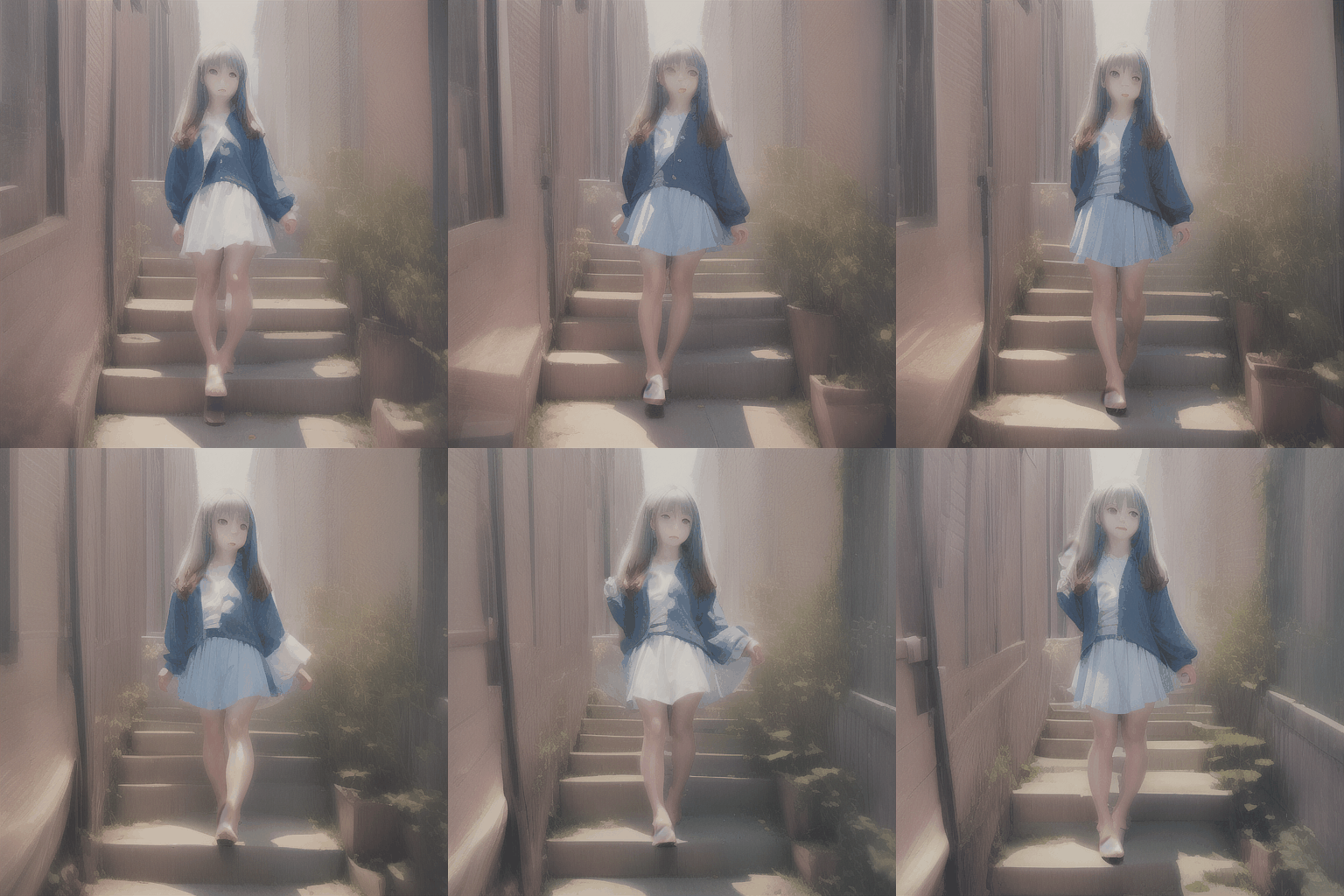
Anime girl with LoRA
img2img
img2imgを使用するには、fork版を使用します。
git clone https://github.com/talesofai/AnimateDiff
リポジトリを切り替えます。
git remote set-url origin https://github.com/talesofai/AnimateDiff.git
git pull --rebase
ax_init_image.yamlにimg2imgの設定ファイルを作成します。init_imageが追加された項目です。
AnimeGirl:
  base: "models/StableDiffusion/Basil_mix_fixed.safetensors"
  path: "models/DreamBooth_LoRA/gachaSplashLORA_gachaSplash31.safetensors"
  motion_module:
    - "models/Motion_Module/mm_sd_v14.ckpt"
    - "models/Motion_Module/mm_sd_v15.ckpt"
  init_image: "configs/prompts/anime_girl.png"

  seed:           [-1]
  steps:          25
  guidance_scale: 7
  lora_alpha: 1

  prompt:
    - "anime girl, wind"

  n_prompt:
    - ""
下記のコマンドで推論します。
python3.10 -m scripts.animate --config configs/prompts/ax_init_image.yaml
推論結果です。
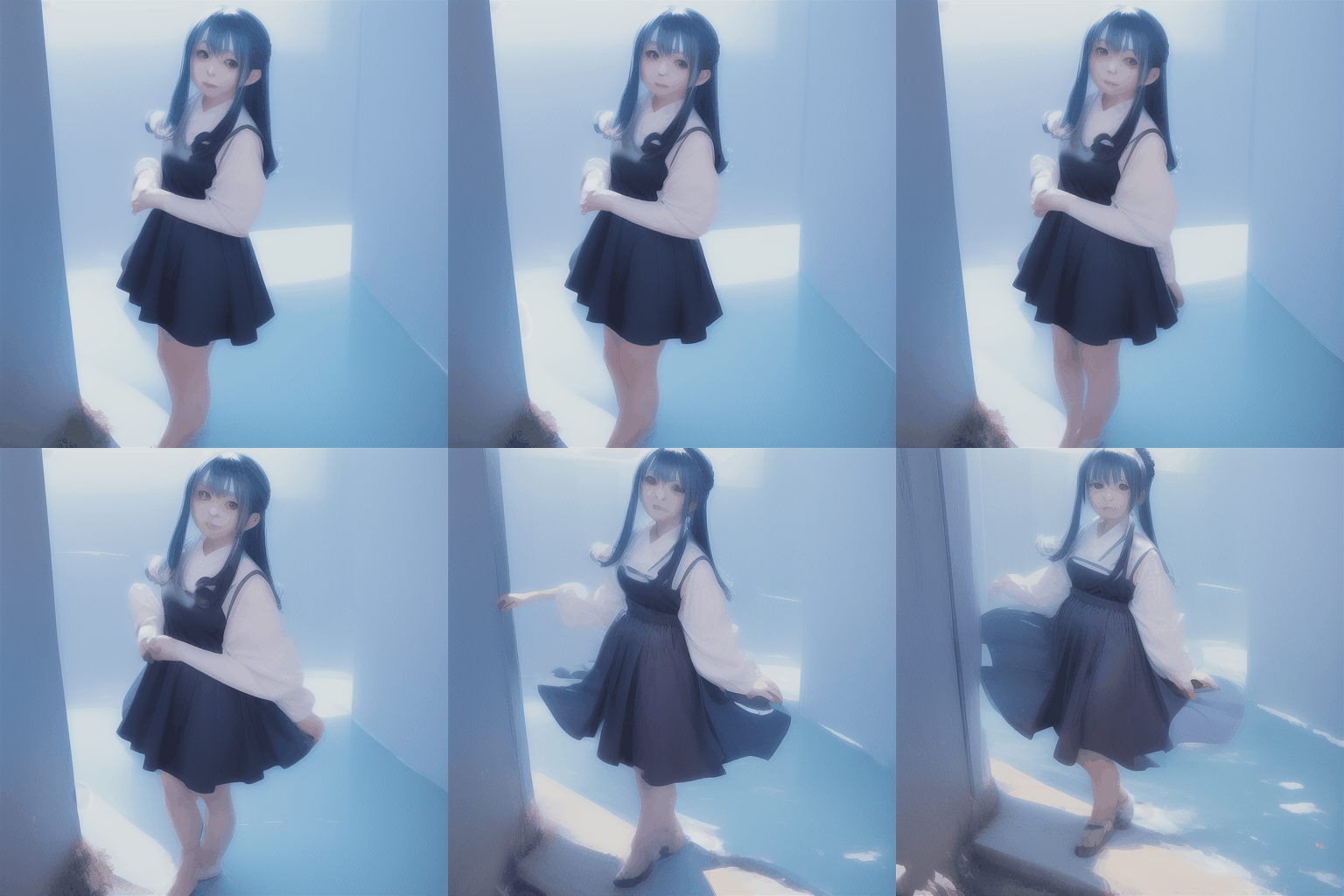
Anime Girl Wind
まとめ
AnimateDiffを使用してテキストから動画を生成できることを確認しました。AnimateDiffのWebUIはまだ初期段階ということもあり、Flickerが発生するため、CUIから実行した方が高精度な動画が生成できました。
まだ完全な動画ではありませんが、フレーム間の破綻が少なく、未来を感じる技術だと思います。
トラブルシューティング
出力画像がぼやける
StableDiffusionWebUIではSampling methodをDDIM以外に設定していると、出力画像がぼやけやすいようです。Sampling methodをDDIMに設定してください。ただ、それでもぼやけるので、WebUIではなくCUIから叩いた方が良いようです。
RuntimeErrorが発生する
StableDiffusionWebUIが古いと下記のRuntimeErrorが発生します。
File "E:\stable-diffusion\stable-diffusion-webui\venv\lib\site-packages\torch\nn\functional.py", line 2528, in group_norm
return torch.group_norm(input, num_groups, weight, bias, eps, torch.backends.cudnn.enabled)
RuntimeError: Expected weight to be a vector of size equal to the number of channels in input, but got weight of shape [2560] and input of shape [2, 5120, 8, 8]
StableDiffusionWebUIをgit pullして最新版にすると解消します。2023/3/29のバージョンだと問題が発生し、2023/7/19のバージョンだと問題が解消しました。
VRAMが12GB以上あるのにOut Of Memoryになる
nvidia-smiで稼働中のプロセスを確認します。
アイリア株式会社はAIを実用化する会社として、クロスプラットフォームでGPUを使用した高速な推論を行うことができるailia SDKを開発しています。アイリア株式会社ではコンサルティングからモデル作成、SDKの提供、AIを利用したアプリ・システム開発、サポートまで、 AIに関するトータルソリューションを提供していますのでお気軽にお問い合わせください。